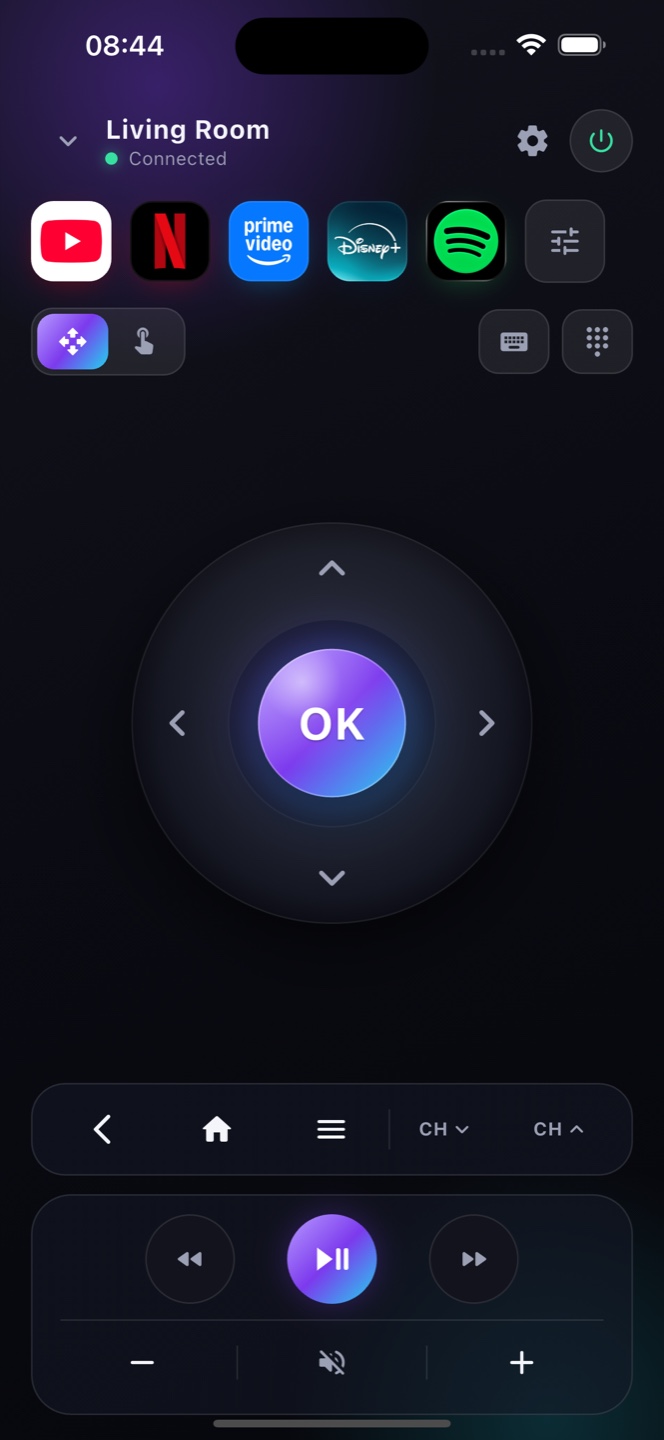
Does Zap work with every Vestel TV?
No. It works with Vestel sets running Android TV or Google TV. Models with Vidaa or TiVo software use a different system and are not supported.
How do I tell which software my TV runs?
Look at the home screen. The Google TV or Android TV interface means Zap works; a Vidaa or TiVo interface means it does not.
My Vestel remote is lost — can I still use the TV?
Yes, as long as the set is on and on Wi-Fi. To wake a fully powered-off TV, Network Standby has to be enabled in its settings.
Is there a pairing code?
Only the first time. The TV shows a six-digit code on screen; you type it into Zap once and the set is remembered.
Does it need Bluetooth or line of sight?
Neither. Zap talks to the TV over your Wi-Fi network and works from anywhere in the room.
The TV is found but the buttons do nothing — why?
Most often network control is switched off on the TV. Enable it under Settings → Network, or Remote & Accessories.
Is Zap free?
Yes. The full remote is free and needs no account. An optional Premium removes ads and adds extras such as macros and multiple TVs.
Can I control more than one Vestel TV?
Yes. Zap lists the televisions on your network; switching between several sets is a Premium feature.