Xiaomi TV Remote

Your Xiaomi TV.
In your pocket.

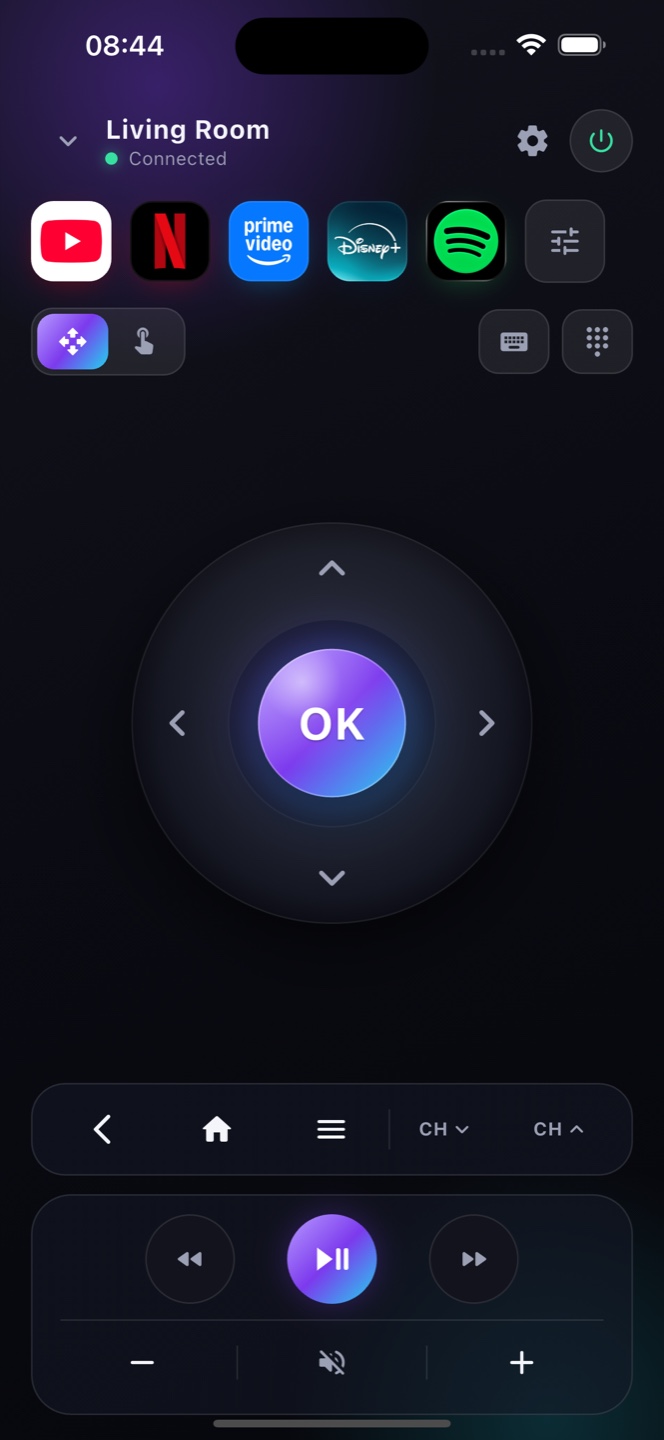
Xiaomi and Mi TVs run Android TV / Google TV, so Zap controls them straight from your iPhone over Wi-Fi — a full remote with keyboard and playback.

Download on theApp StoreFree · no account
Zap

How it works

A full Xiaomi TV remote on your iPhone

Made for Mi TV

Xiaomi and Mi TVs run Android TV / Google TV, so Zap connects natively over your Wi-Fi.

Replace a lost remote

D-pad, volume, power, playback and keyboard — everything the Xiaomi remote does, on your phone.

No setup

Zap finds your Xiaomi TV on the network and connects in seconds — nothing to pair by hand.

Ready?

Turn your phone into the remote.

Free on the App Store. Point, tap, done.

Download on theApp Store

Mi TV, Mi Box and TV Stick — all Android TV under the skin

Xiaomi builds its Mi TV and Redmi TV sets, the Mi Box, and the Mi TV Stick on Android TV and Google TV, so Zap pairs with all of them over Wi‑Fi. In some regions Xiaomi adds its own PatchWall home screen on top, but that’s just a skin — Android TV is still underneath, and Zap connects the same way. You get a full remote from your phone — D‑pad, keyboard, voice search and app shortcuts — which is handy because the tiny Xiaomi stick remote is easy to misplace. Nothing to install on the TV, and it works whether you see PatchWall or the standard Android TV home screen.

Which Xiaomi devices work

Mi TV, Mi Box & TV Stick
Xiaomi Mi TV, Mi TV Stick and Mi Box running Android TV or Google TV pair with Zap over Wi‑Fi.
Full Xiaomi remote
D‑pad, volume, input/HDMI, playback, keyboard and voice search — a complete replacement for the Xiaomi/Mi remote on your iPhone.

FAQ

Questions, answered

Does Zap work with Xiaomi and Mi TVs?
Yes, for Xiaomi / Mi TVs running Android TV or Google TV, over the same Wi-Fi.
Can it replace my Mi TV remote?
Yes — every button is in the app, so your iPhone fully replaces a lost or broken Xiaomi remote.
Is it free?
Yes, the full remote is free with ads; Premium removes them.
Does Zap work with Mi TV and Mi Box?
Yes. Xiaomi Mi TV, Mi TV Stick and Mi Box on Android TV or Google TV connect to Zap over Wi‑Fi.
Lost my Mi remote — can I still use it?
Yes, while the device is on and on Wi‑Fi. Enable Network Standby so Zap can wake a fully‑off Mi TV.
Does Zap work with Xiaomi Mi TV and Mi Box?
Yes. Mi TV, Redmi TV, the Mi Box and the Mi TV Stick all run Android TV or Google TV, so they pair with Zap over Wi‑Fi.
Does Zap work if my Xiaomi TV uses PatchWall?
Yes. PatchWall is Xiaomi’s home‑screen skin on top of Android TV — the underlying system is the same, so Zap connects normally.