Can I control Google TV without the remote?
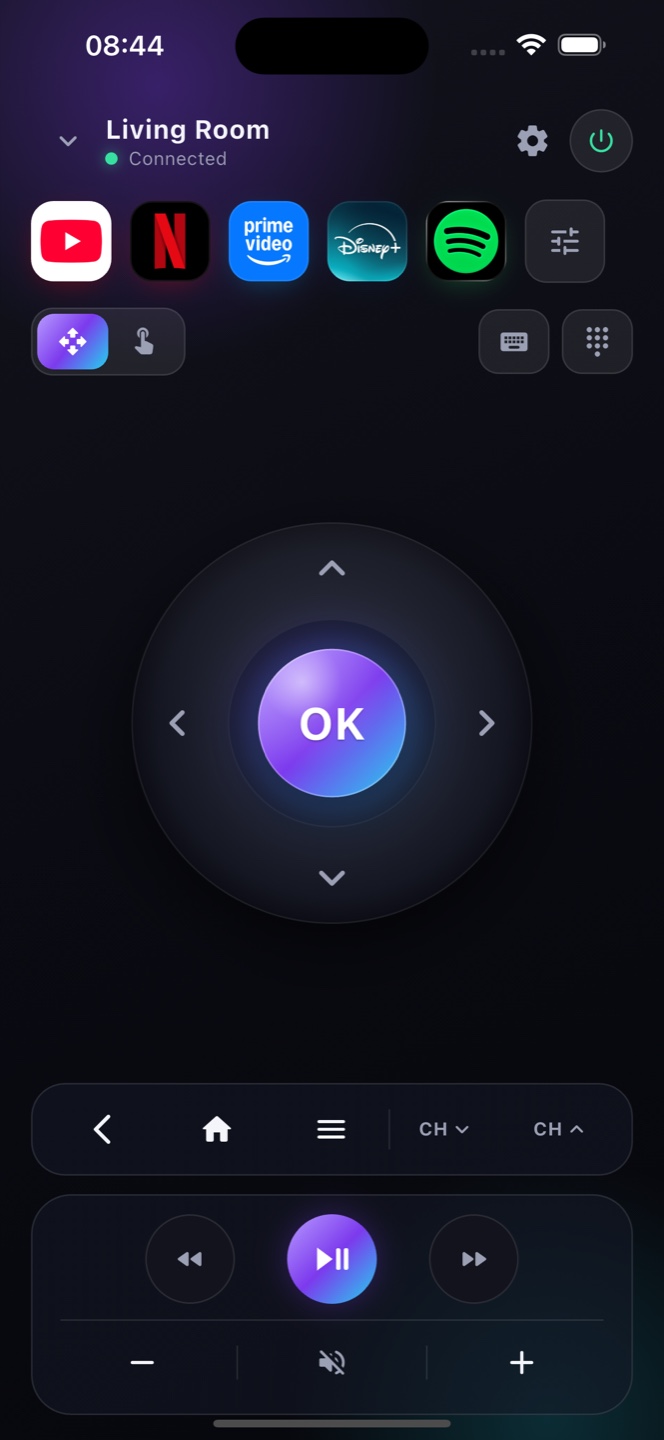
Yes. Install Zap on your iPhone, join the same Wi-Fi as your Google TV, and control it fully from your phone.
What if my Google TV remote is lost or broken?
Zap replaces it entirely — you never need the physical remote to navigate, open apps or change volume.
Does this work with Chromecast with Google TV?
Yes. Zap controls Chromecast with Google TV and any TV running Google TV over your Wi‑Fi — no physical remote needed.
How do I set up Google TV without a remote?
The very first out‑of‑box setup needs the original remote or the Google Home app. After that, Zap is a full day‑to‑day replacement over Wi‑Fi.
Can I turn on Google TV from my phone?
If Network Standby / Wake‑on‑LAN is enabled in the TV's settings, Zap can wake it over Wi‑Fi; otherwise use the TV's power button once.
Can I control a Google TV that has no remote at all?
Yes, as long as it’s already on your Wi‑Fi. Zap pairs over the network with an on‑screen code and gives you a full remote — no physical remote needed at any point.
Will Zap work on a Google TV I bought used?
Yes. If the previous owner left it connected to Wi‑Fi, or once you’ve got it online, Zap pairs with it over the network and fully replaces the missing remote.