Is your Hisense a Google TV or a VIDAA model?
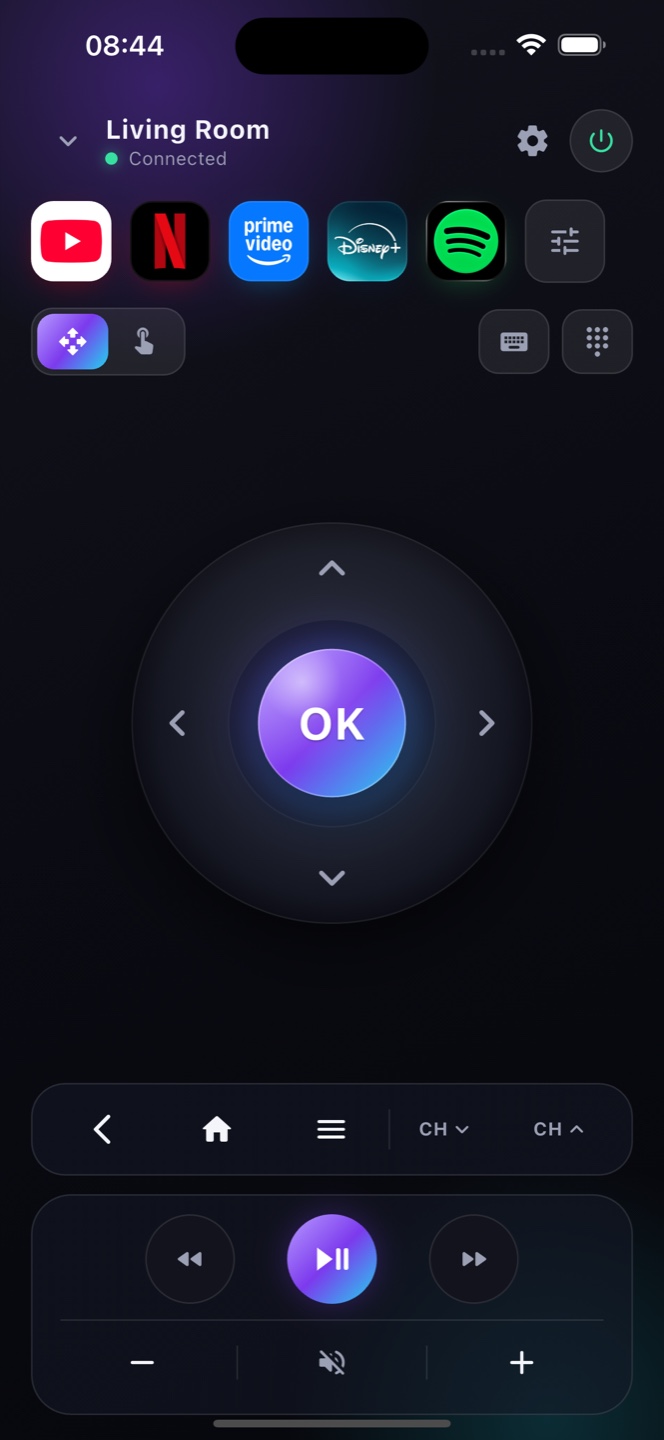
Hisense sells two very different kinds of smart TV, and only one works with a Wi‑Fi remote app like Zap. Newer Hisense sets built on Google TV or Android TV pair with your phone over Wi‑Fi — you’ll see the Google TV logo on the box or a “Google TV” row in Settings ▸ System ▸ About. Hisense’s own VIDAA U operating system uses a closed protocol, so no third‑party phone remote can connect to it. If your Hisense runs VIDAA, Hisense’s free RemoteNOW app is the only option; if it runs Google TV, Zap gives you a full remote — D‑pad, keyboard, voice search and app launcher — in seconds, with no setup on the TV.