Everything about turning your phone into a remote control for your TV.
How do I use my phone as a TV remote?
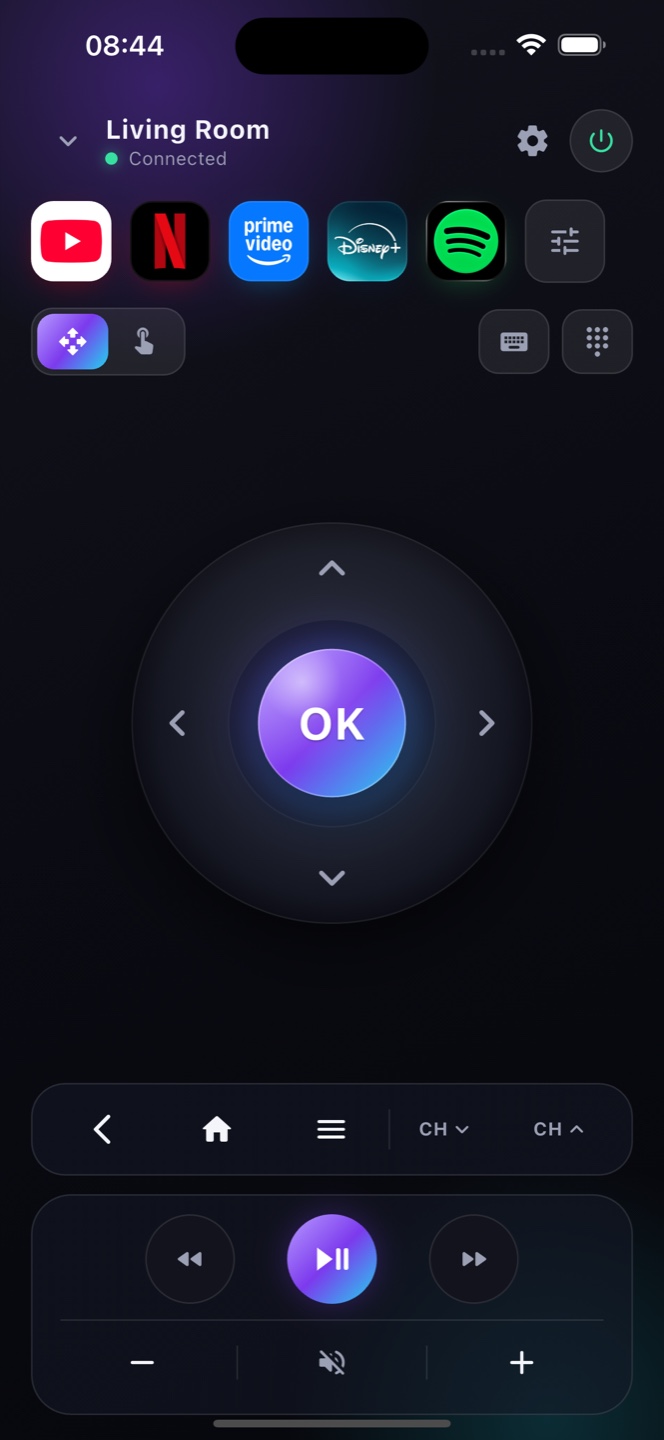
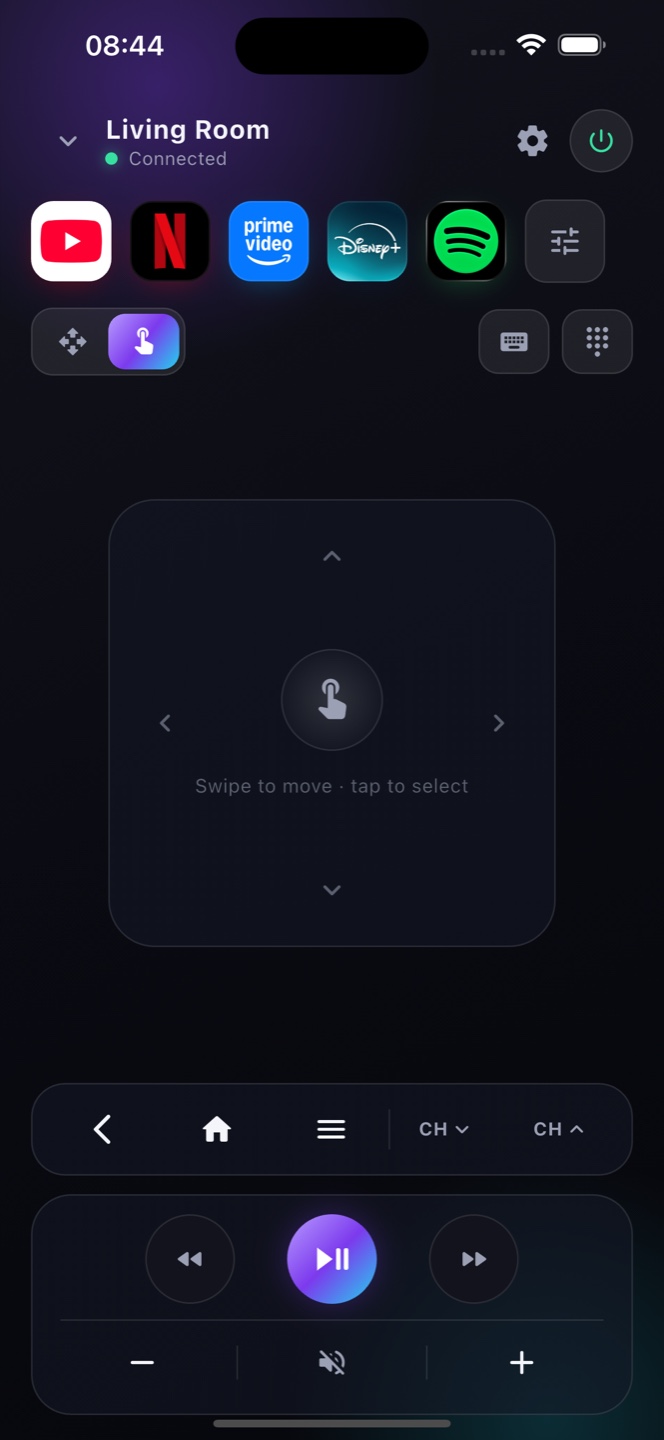
Install Zap on your iPhone, connect to the same Wi-Fi as your TV, and Zap pairs in seconds — your phone becomes a full remote control with D-pad, volume, keyboard and touchpad.
Does Zap work with Android TV, Google TV and smart TVs?
Yes. Zap is a universal remote for Google TV, Android TV and most smart TVs and streaming players on the same network.
Do I need to pair or set anything up?
No setup. Zap discovers your TV over Wi-Fi automatically — no cables, no accounts, no codes.
Is Zap free?
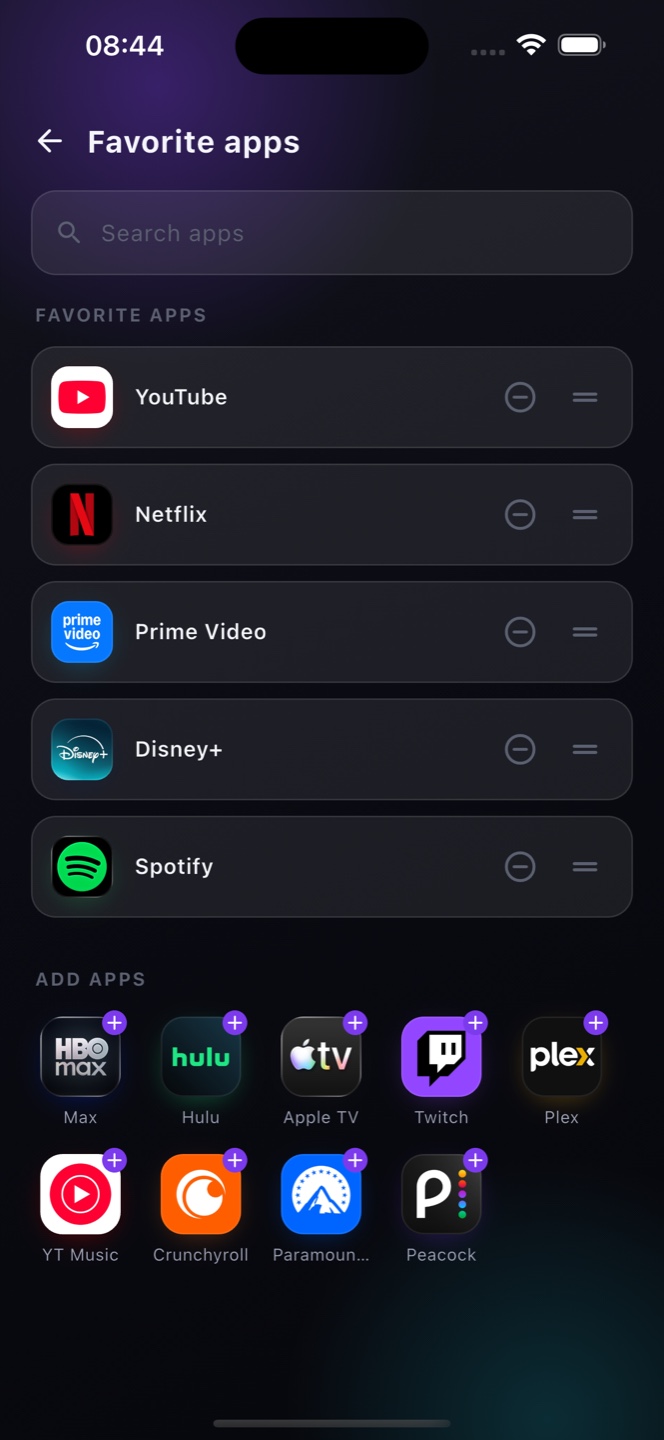
Yes, the full remote is free (with ads). Premium removes ads and adds app shortcuts, extra themes and unlimited TVs.
I lost my TV remote — can Zap replace it?
Absolutely. Zap replaces a lost or broken TV remote with your phone, giving you every button you need instantly.
Can I switch HDMI inputs or the TV source from my phone?
Yes. Zap's TV controls let you switch between TV, HDMI 1–4 and other inputs straight from your phone — no need for the original remote.
Does Zap have a sleep timer?
Yes. Set a sleep timer (15–90 minutes) and Zap turns your TV off automatically when it ends — perfect for falling asleep to a show.
Can I search by voice?
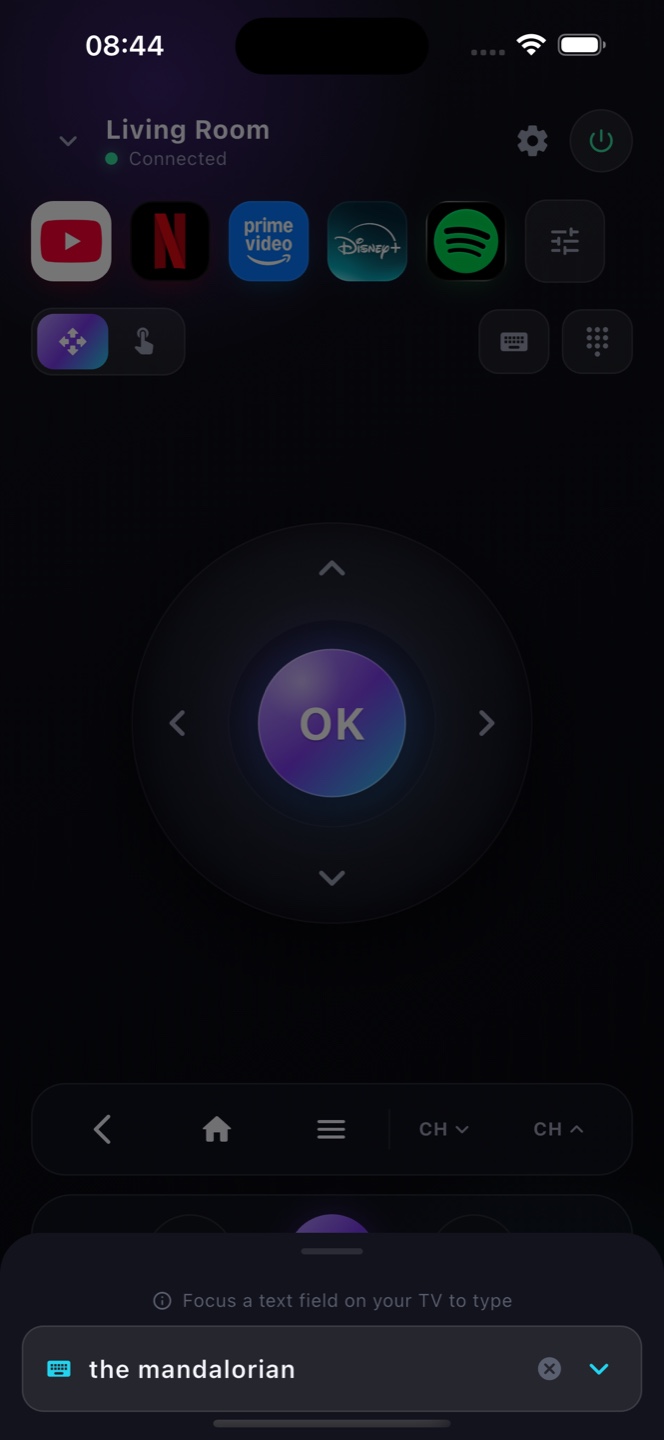
Yes. Tap the mic in Zap's keyboard and speak — your words go straight into your TV's search box, so you never have to peck at an on-screen keyboard.