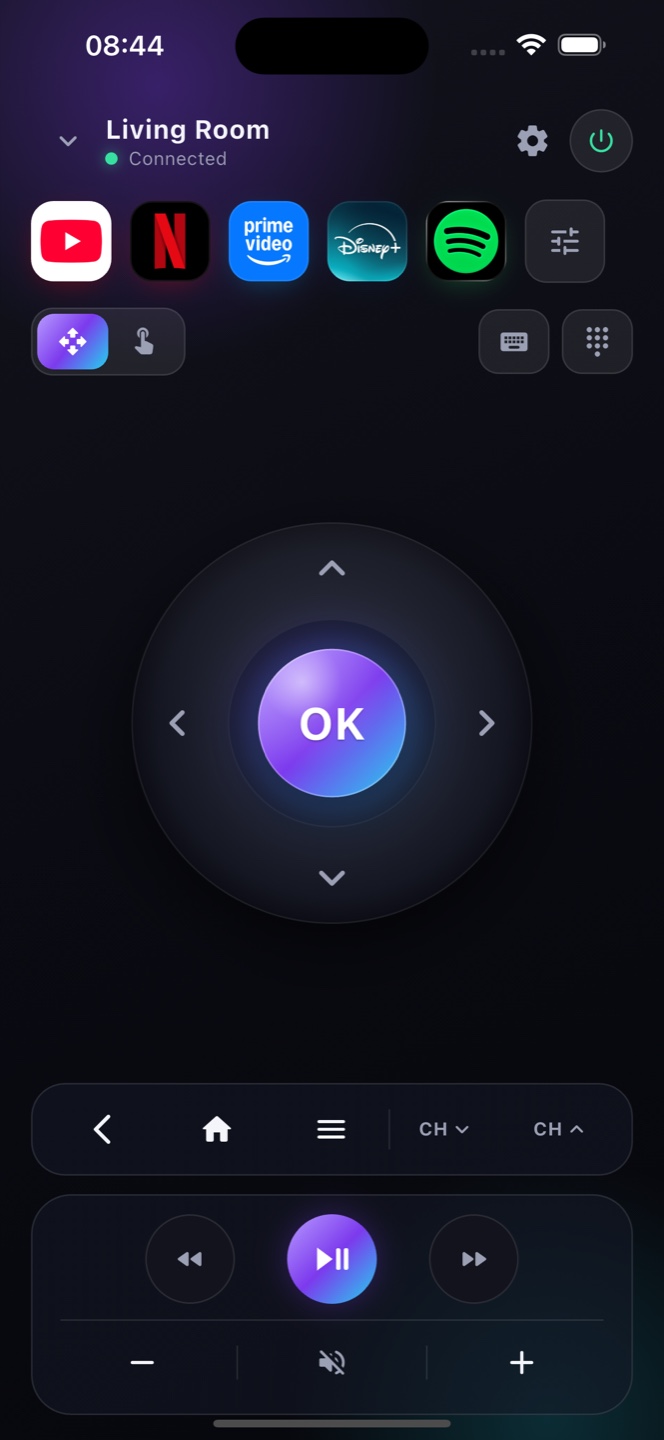
How do I use my iPhone as a Google TV remote?
Install Zap, join the same Wi-Fi as your Google TV, and tap it in the list — your iPhone becomes a full remote in seconds.
Does it work with Chromecast with Google TV?
Yes. Chromecast with Google TV and every Google TV set is supported over your Wi‑Fi.
Is it free?
Yes, the full Google TV remote is free with ads; Premium removes them.
Does Zap replace the Google TV remote?
Yes — Zap is a full replacement for a lost, broken or misplaced Google TV remote, with D‑pad, volume, keyboard, voice and apps.
Can I use voice search on Google TV?
Yes. Zap's mic types your words straight into the Google TV search box, so you never peck at letters.
Does the Google TV remote app support voice search?
Yes. Zap includes voice search — tap the mic, say a title or app, and it types straight into your Google TV’s search box.
Which devices does the Google TV remote work with?
Any device running Google TV on your Wi‑Fi, including Chromecast with Google TV and Google TV models from Sony, TCL, Hisense and Philips.