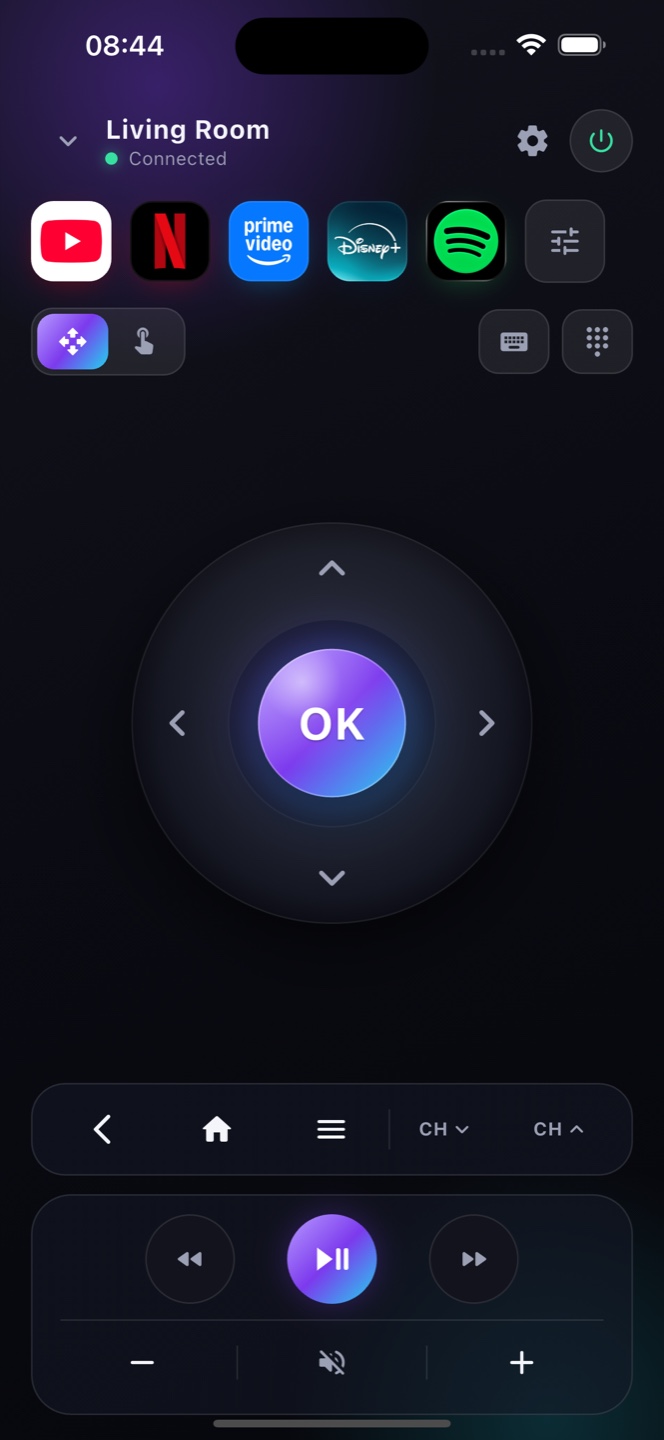
The NVIDIA Shield runs Android TV, so Zap controls it natively over your network — D-pad, media keys, keyboard and app shortcuts.

How it works
Zap talks to the Shield over Wi-Fi with no extra setup — every button, instantly.
Play, pause, seek and type to search — ideal for the Shield's media apps and games launcher.
Keep Zap on your phone so a misplaced Shield remote never stops movie night.
Ready?
Free on the App Store. Point, tap, done.
The NVIDIA Shield TV and Shield TV Pro run Android TV, so Zap pairs with both over Wi‑Fi — the 2015, 2017 and 2019 models included. It’s a natural fit for the Shield: the compact toblerone or older remotes are easy to lose down the couch, and typing long searches or logins with a D‑pad is slow. Zap adds a real on‑screen keyboard and voice search, plus the full D‑pad, playback, volume and app shortcuts, so you can drive Plex, Kodi, YouTube and every app on your Shield straight from your phone. Nothing to install on the Shield, and it connects in seconds on your home network.
FAQ
Works with your TV
A full Roku TV remote on your iPhone
A full Samsung TV remote on your iPhone
A full LG TV remote on your iPhone
Use your iPhone Duo as a TV remote
A complete Android TV remote
The Google TV remote you always have
A full Sony TV remote on your iPhone
A full TCL TV remote on your iPhone
A full Hisense TV remote on your iPhone
A full Xiaomi TV remote on your iPhone
A full Philips TV remote on your iPhone
A replacement Chromecast remote on your phone
Use your phone as a TV remote. · No Google TV remote? Control it with your phone. · Lost your TV remote? Your phone is the fix.