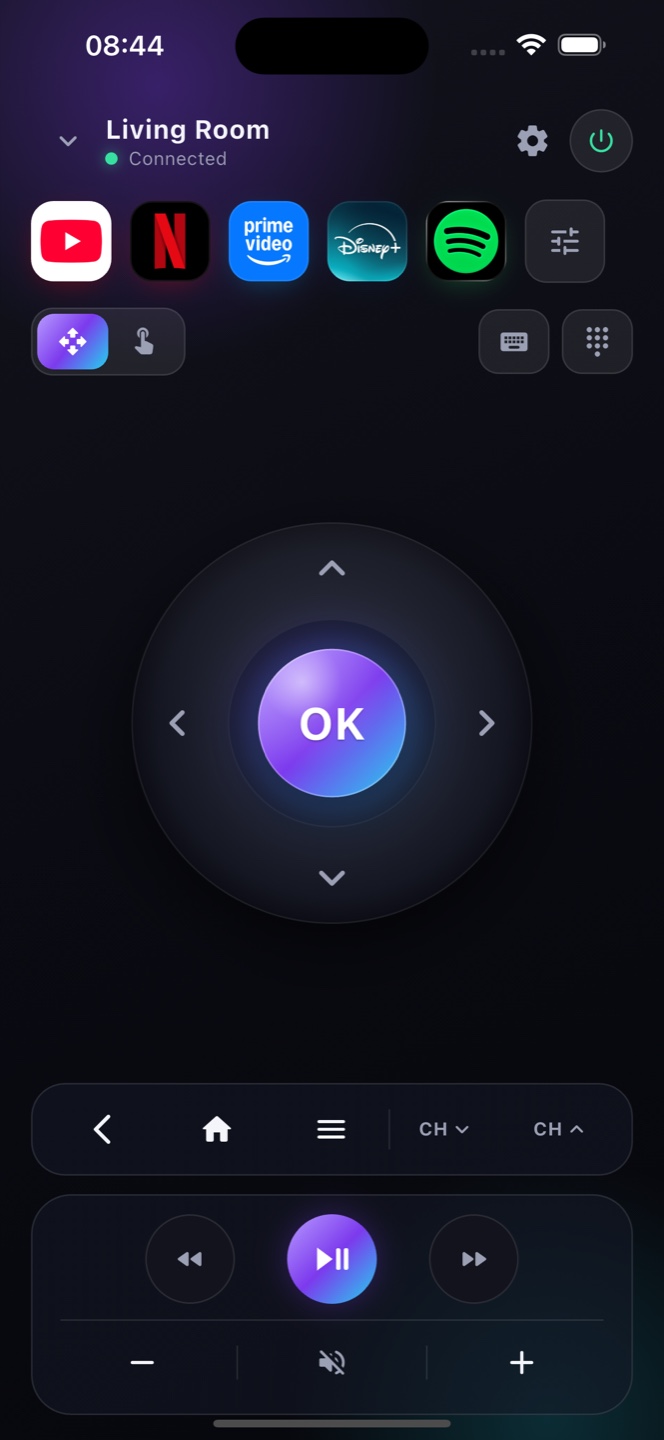
Does Zap work with Philips TVs?
Yes for Philips models running Android TV or Google TV. Older Philips (Saphi or other OS) models aren't supported.
How do I connect?
Open Zap on the same Wi-Fi as your Philips TV and pick it from the list — it pairs automatically.
Is it free?
Yes, free with ads; Premium removes ads.
Does Zap work with Philips Android TV?
Yes. Philips TVs running Android TV or Google TV pair with Zap over Wi‑Fi. Philips Saphi models use a different, closed system and aren’t supported.
Lost my Philips remote — can I still watch?
Yes, while the TV is on and on Wi‑Fi. Enable Network Standby so Zap can power a fully‑off Philips back on.
How do I know if my Philips is Android TV or Saphi?
Open Settings ▸ About, or check for the Google Play Store: an Android TV or Google TV Philips works with Zap, while a Saphi‑based Philips does not.