Does Zap work with all Sony Bravia TVs?
Zap works with any Sony Bravia running Android TV or Google TV — that’s almost every smart Bravia from 2015 onward. The TV and your phone just need to be on the same Wi‑Fi.
Do I still need my Sony remote?
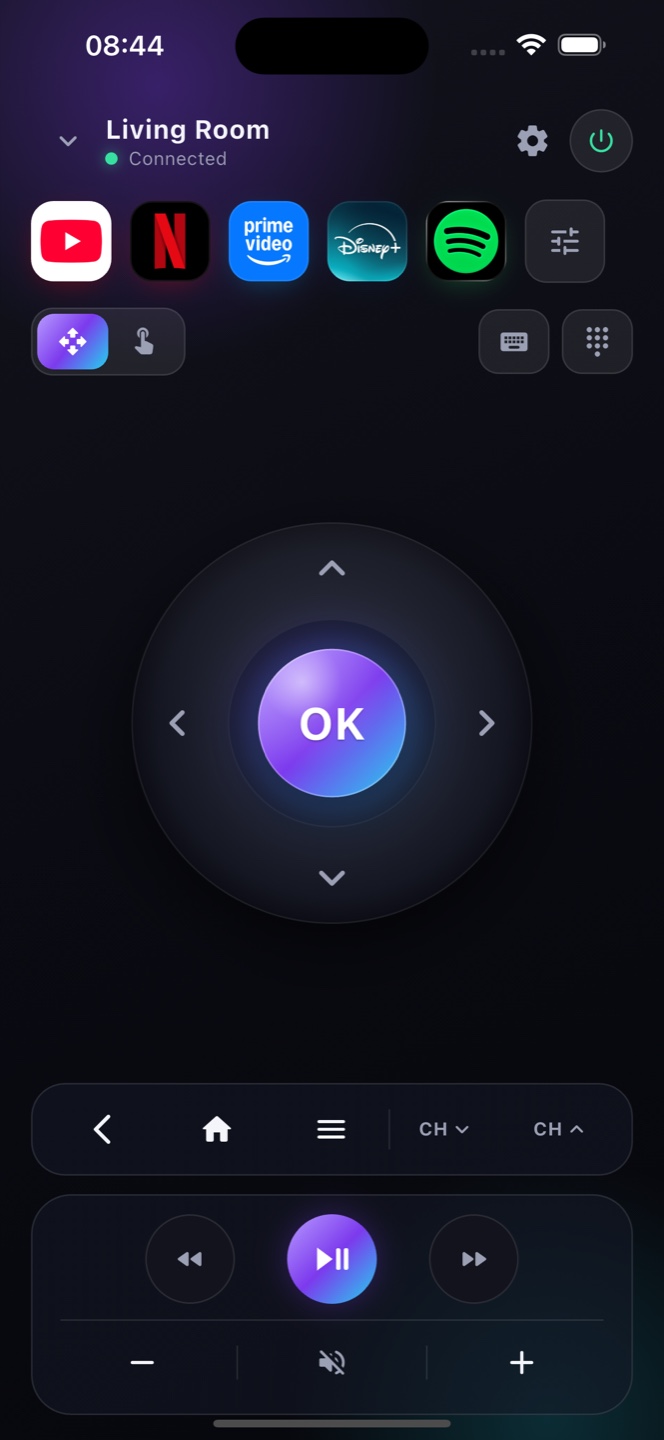
No. Zap gives you every button — D-pad, OK, back, home, volume, power and playback — so your phone fully replaces a lost or broken Sony remote.
Which Sony TVs are supported?
Any Sony Bravia running Google TV or Android TV (most models from 2015 on). Older non-Android Sony sets aren't supported.
My Sony remote is lost — can I still use the TV?
Yes, as long as the TV is on and on Wi‑Fi. To power a fully‑off Bravia on, enable Network Standby in its settings so Zap can wake it.
Do I need the Sony remote to start?
Only for the very first TV setup. After that, Zap replaces the Bravia remote day to day.
Can Zap replace a lost Sony TV remote?
Yes. As long as the Bravia is on and on Wi‑Fi, Zap is a full replacement for a lost or broken Sony remote, with a keyboard and voice search built in.